
CamScanner
Tools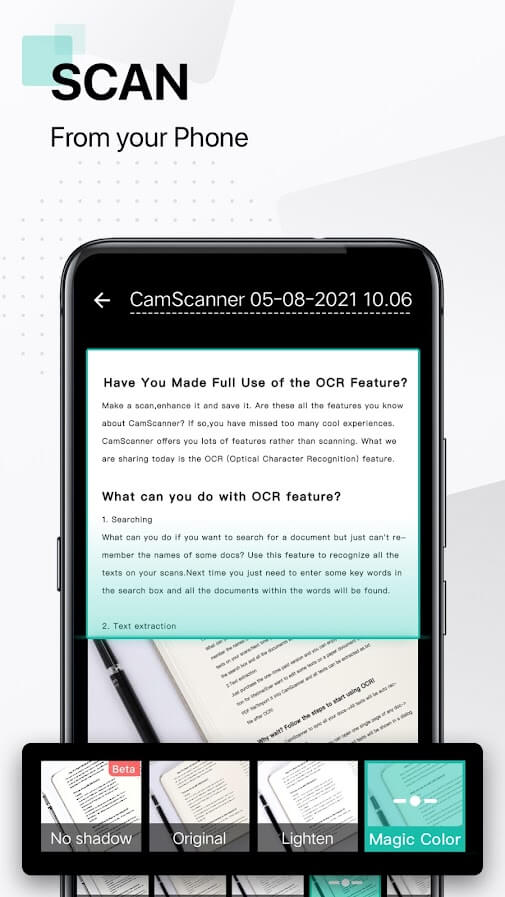
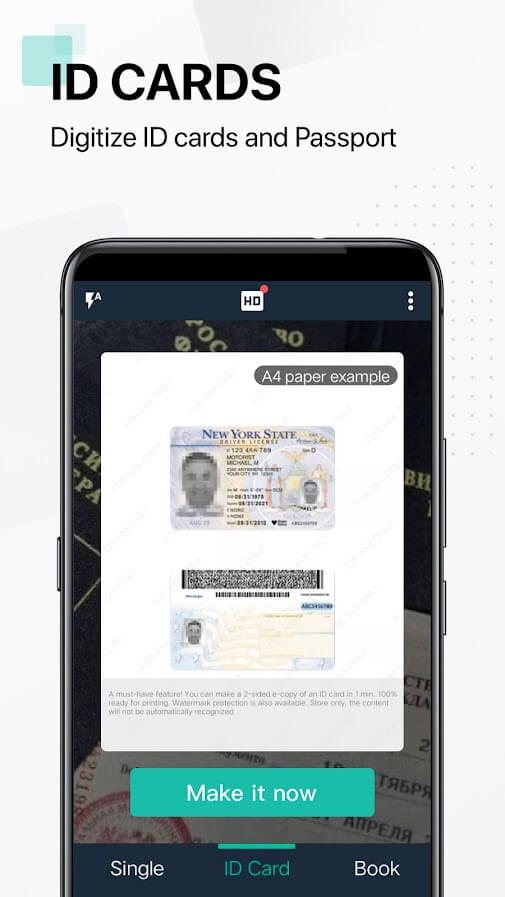
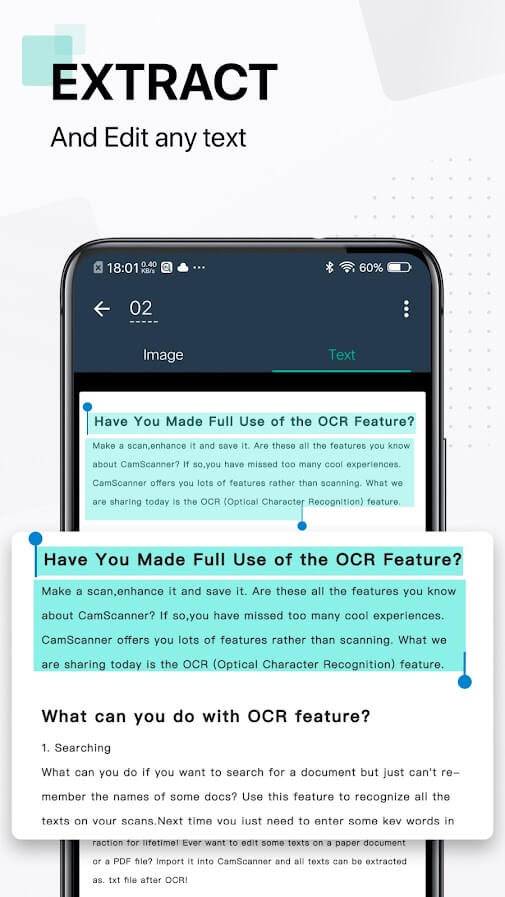

CamScanner turns any Android device into a handy document scanner. It captures photos of paper, receipts, whiteboards, and converts them into clear PDFs or images with built‑in image enhancement and OCR (optical character recognition).
The app is popular among students, professionals, and anyone who needs to digitise paperwork on the go. This page provides the latest version details, installation steps, and practical tips for a smooth experience.
Quick Information
| App/Game Name | CamScanner |
| Latest Version | 7.27.0.2609230000 |
| Developer | Not listed |
| Category | Apps / Tools |
| App Size | 163.63 MB |
| Package Name | com.intsig.camscanner |
| Last Updated | 13 October 2026 |
What Is CamScanner?
CamScanner is a utility app designed to scan, store, and share documents directly from your phone. Core features include automatic edge detection, perspective correction, image cleanup (brightness, contrast), batch scanning, and OCR that extracts searchable text from images. The resulting files can be saved as PDFs or JPEGs and shared via email, cloud services, or messaging apps.
The app is geared toward users who need a quick, portable solution without carrying a dedicated scanner. It works best in well‑lit environments and with documents that have clear contrast.
Compatibility
| Android Version | ✓ Verified — 5.0 and up |
| Architecture (ARM64 / 32-bit) | Not Verified |
| Internet Connection | ✓ Verified — May be required for ads, updates, or login |
| Storage Needed | Not Verified |
| OBB/Data Files | Not Verified |
| Root Required | Not Verified |
How to Install
- Download the CamScanner APK file from a trusted source.
- On your device, go to Settings > Security (or Privacy) and enable Install unknown apps for the browser or file manager you used.
- Open the downloaded
CamScanner.apkand tap Install. - Once installation finishes, launch CamScanner and grant the requested permissions (camera, storage, and optionally contacts for sharing).
- Follow the on‑screen tutorial to calibrate scanning settings if desired.
Troubleshooting
- App not installed: Ensure the APK matches your device’s architecture (ARM/ARM64) and that you have enough free storage.
- Crashes on startup: Clear app data via Settings > Apps > CamScanner > Storage > Clear data, then restart.
- OCR not recognising text: Use good lighting, keep the document flat, and select a high‑resolution scan before running OCR.
- Scanning produces blurry images: Clean the camera lens and enable the Auto‑focus option in the app’s settings.
- Permission errors: Re‑grant camera and storage permissions in the Android permissions manager.
Safety & Security
CamScanner is a third‑party APK, so verify the file’s integrity before installing. Check the package name (com.intsig.camscanner) and compare its SHA‑256 hash with a reputable source if available. Review the permissions it requests; the app needs camera and storage access for scanning, but any additional permissions (e.g., contacts, phone) should be scrutinised.
Keep the app updated to receive security patches. Avoid entering sensitive personal data (bank details, passwords) directly into the app unless you are certain the source is trustworthy.
How CamScanner Compares
| Feature | CamScanner | Adobe Scan | Microsoft Lens |
|---|---|---|---|
| Price / Free Model | Free with ads; optional premium | Free with optional Adobe subscription | Free with Microsoft 365 integration |
| Platform Availability | Android | Android, iOS, Web | Android, iOS, Windows |
| Standout Feature | Batch scanning & robust OCR | Seamless Adobe PDF integration | Direct export to OneNote & Office apps |
| Best For | Users needing quick batch scans on Android | Creative professionals using Adobe ecosystem | Microsoft ecosystem users and students |
Alternatives
Adobe Scan – Offers high‑quality scans and automatic PDF creation, tightly integrated with Adobe Acrobat.
Microsoft Lens – Focuses on converting whiteboards and business cards into editable Office files.
Google Drive Scan – Built into the Google Drive app; simple scans saved directly to your Drive.
Scanbot (now ScanPro) – Provides advanced editing tools, cloud sync, and a clean UI.
Final Verdict
CamScanner is a solid choice for Android users who need fast, batch document scanning with reliable OCR. It works well for everyday paperwork, receipts, and study notes. Because it is a third‑party APK, verify the source and be mindful of the permissions it requests. If you prefer tighter integration with Adobe or Microsoft services, consider Adobe Scan or Microsoft Lens as alternatives.
Frequently Asked Questions
Only install CamScanner from a reputable source, verify the package name (com.intsig.camscanner), and review the permissions it asks for before proceeding.
CamScanner runs on Android 5.0 (Lollipop) and newer, but newer versions provide better performance and OCR accuracy.
Scanning and basic image editing work offline; OCR and cloud sync require an internet connection.
Yes, the app can combine multiple scans into a single PDF file and share it via email, cloud services, or messaging apps.
Crashes can be caused by corrupted data or missing permissions; clearing app data or reinstalling the APK usually resolves the issue.
Download the newest APK from a trusted source, uninstall the old version (keeping your scans if stored externally), and install the new file.
CamScanner offers a paid premium tier that removes ads, unlocks additional cloud storage, and provides advanced editing tools.
Yes, the app supports batch scanning, allowing you to capture several pages and merge them into one PDF.